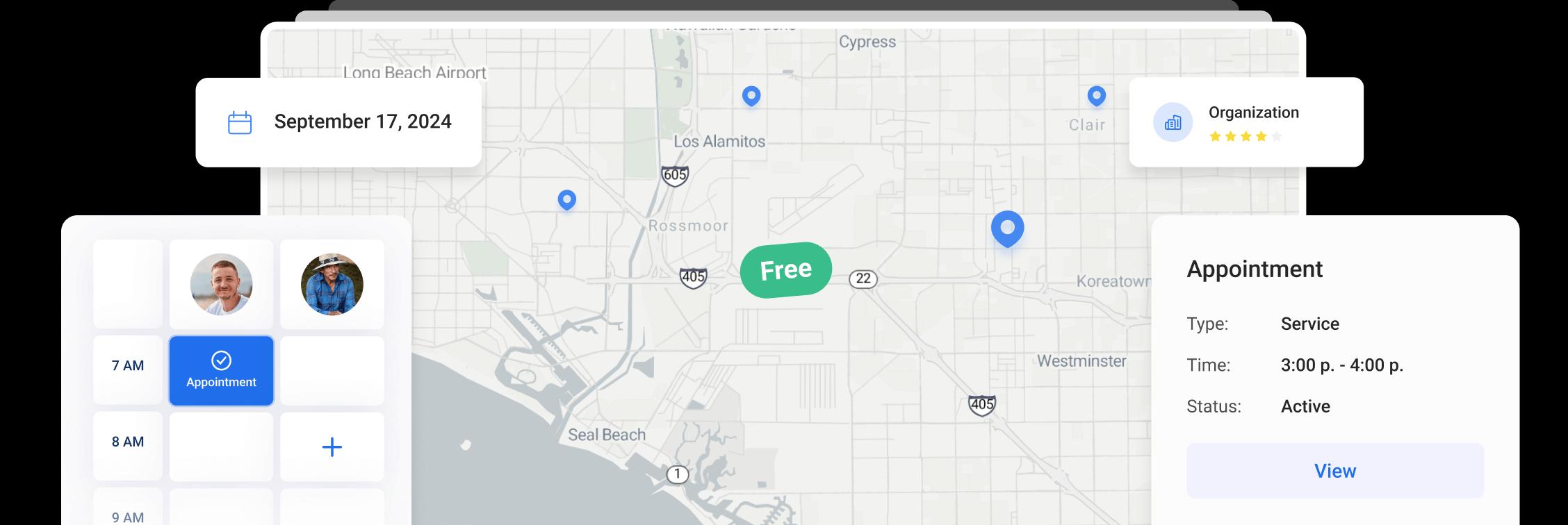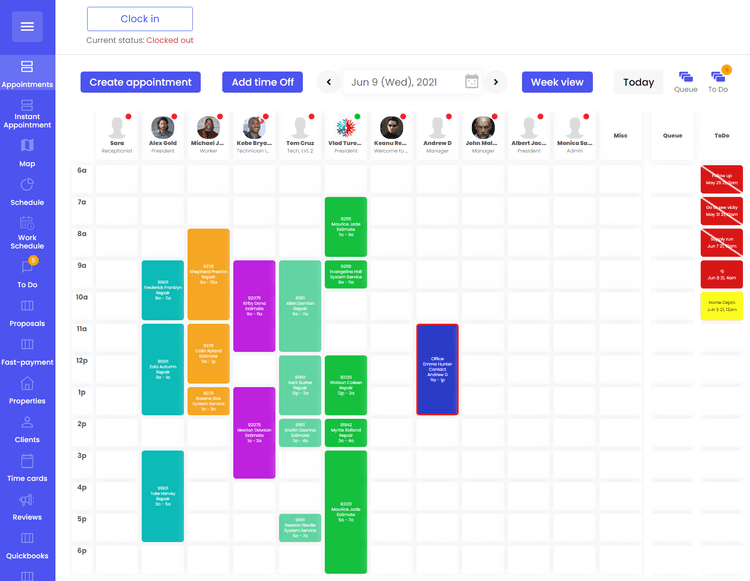
Create new field appointment
To create new field appointment, click "Appointments" to view schedule in the side menu

Click "Create appointment"

In the "Search Address" field, type the address for appointment location

Select one of the previous locations, one of the map suggestions or create "Manual Input"

After the selection of the location, you can view/edit information related to this property. You are able to attach Clients, Organizations or any Media files

Select from the previous list or enter new "Appointment Type"

Select from the previous list or enter new "Appointment Source"

If your company operates in multiple industries like HVAC and Plumbing or Electrical and Solar, you are able to select appropriate industry for this appointment

If a customer requested to see a specific employee or you think that a specific person is able to complete the work better, you are able to select a "Preferred Tech" for this appointment

Add "Appointment Notes" that are helpful to the tech in the field

If you know the specific date and time for this appointment, you are able to select it here or you can click "Create Appointment" and select date/time on the Appointments screen

Other Articles
Contacts in Orcatec: A Complete Beginner's Guide
The Contacts tab is Orcatec's address book for every person and company your team talks to — homeowners, property managers, tenants, and the organizations behind them. This guide walks a brand-new user through the contact list, adding a new contact, and every tab inside the Edit Client window: Personal Info, Properties, Appointments, Projects, Organizations, Associations, Messaging, and Calls.
9 min read Sep 15, 2026
The Dispatch Tab in Orcatec: A Complete Beginner's Guide
The Dispatch tab is where you turn a list of jobs into an actual day for your team: assign visits to technicians, see who's free, and keep the whole week in view. This guide walks a brand-new dispatcher through the Day and Week boards, creating appointments the quick way and the full way, the Appt Queue, and customizing your board.
3 min read Sep 09, 2026
Formatting Text in Notes: A Complete Beginner's Guide (Mobile App)
A handful of simple typing conventions turn a plain note into something an installer can act on: phone numbers and emails become tap-to-copy, lines starting with a dash become lists, double asterisks make text bold, and words like "Warning" trigger a yellow alert box.
3 min read Sep 09, 2026

All-In-One Home Services Management Software


4.95 from 5 based on 17 reviews
Get our latest news